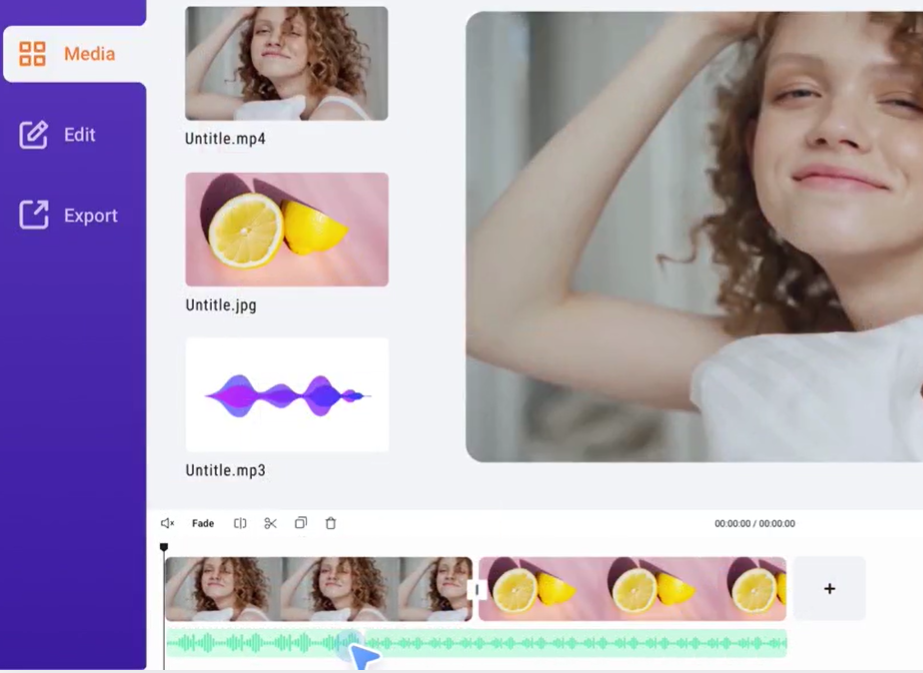
To create an interesting video, you don't need to call on professionals. You can do all of this yourself with the video editor FlexClip , as this tool does not require a download, and the developer has provided several thousand ready-to-use templates.
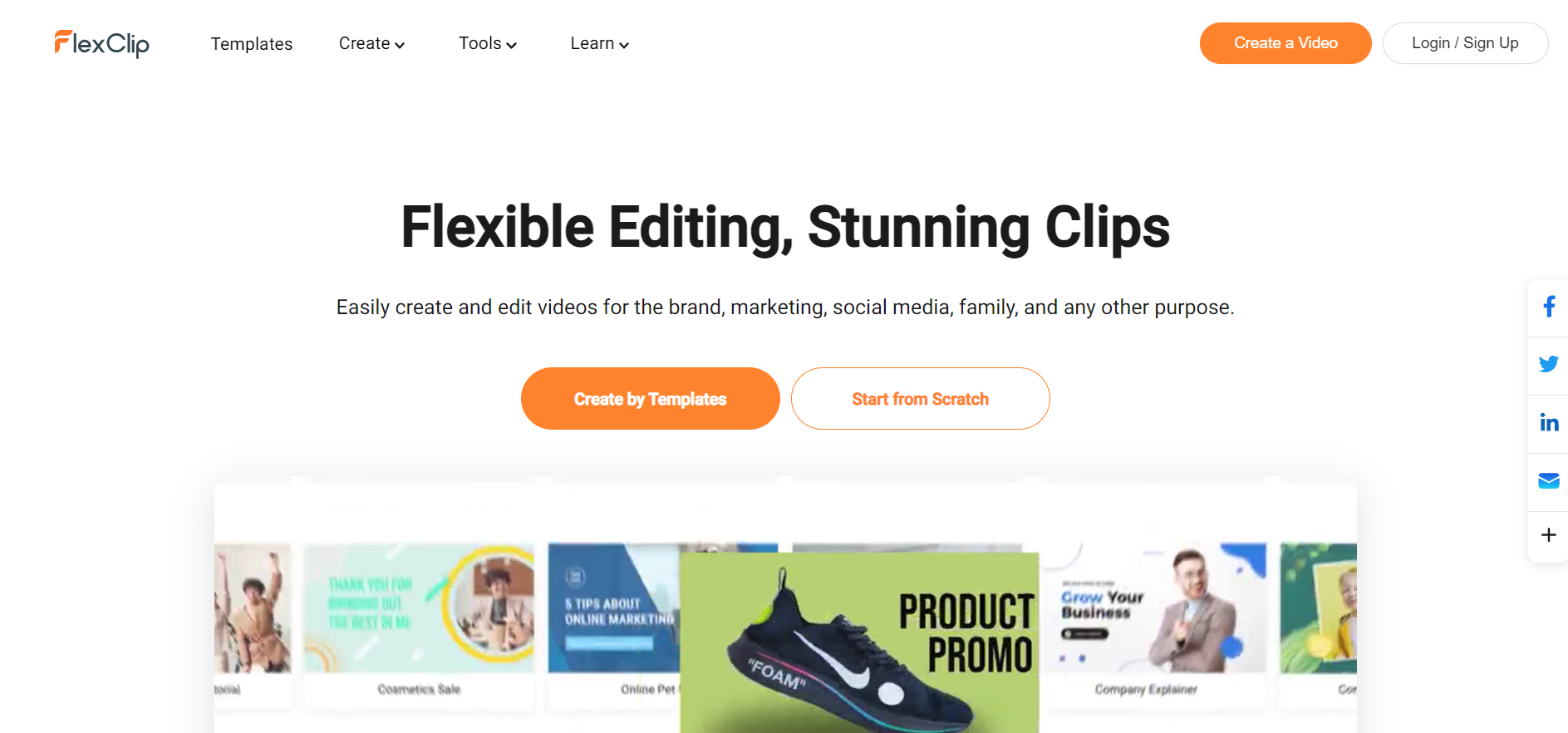
A simple interface will allow you to quickly create a unique video. In the FlexClip video editor, you can arrange all the elements by dragging and dropping. There is a very comprehensive menu that gives you direct access to the sections: templates, media, text, elements, overlays, backgrounds, branding and video ratio (16:9, 1:1, 9:16, 4:5, 21:9). It won't take long to create a video, as FlexClip is a simple and affordable tool that can be used for a variety of purposes. If you don't have your own hardware, you can use the audio, video, and photo library provided by FlexClip.
In addition, FlexClip provides a Text to Speech feature. With FlexClip's Text to Speech feature, you can convert written text into a voiceover. This can be a great time-saving solution, especially if you don't have access to professional recording equipment. It's also a great tool for creating multilingual voiceovers, as FlexClip's Text-to-Speech feature supports multiple languages.
Tips for Making an Effective Video
Video editors advise against making videos that are too long. A person's attention is dispersed from the first minute of viewing, especially if they are not interested. The ideal length for an ad is 30 to 45 seconds and for an educational video, 3 to 5 minutes.
In summary, we can say that creating a video no longer requires the help of professionals. FlexClip is simple and convenient, and you can use it from any device and browser. The only requirement is an internet connection. To get started, you can test the free version, in which a very extensive feature is available.
Link to the tool: FlexClip